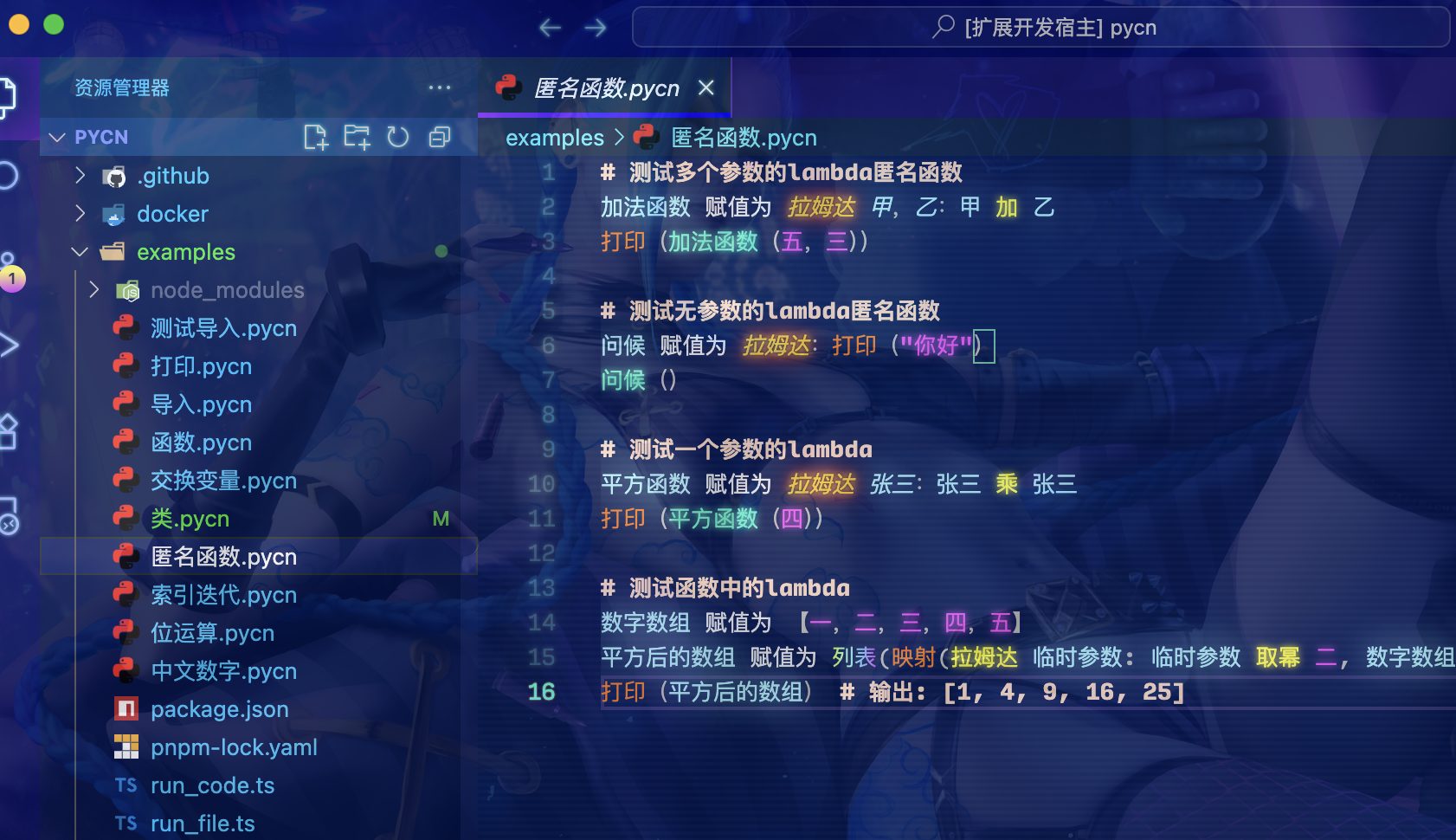
Introduction
PyCN is literally means Python Chinese, which uses the same syntaxes as Python. However, it's keywords, literals, built-in functions and operators is using Chinese.
Let's have a look to this example:
定义 是否是质数(被判断的数):
    如果 被判断的数 小于 二:
        返回 假
    迭代 数一 在 范围(二,整数(被判断的数 取幂 零点五)加 一):
        如果 被判断的数 取余 数一 等于 零:
            返回 假
    返回 真
the code above means:
def is_prime(num):
    if num < 2:
        return false
    for i in range(2, int(num ** 0.5) + 1):
        if num % i == 0:
            return false
    return true
That's right! PyCN has exactly the same coding style as Python, but as you can see, the PyCN code is in Chinese like I said before.
Install PyCN
Pre-built binaries are available on GitHub Releases. Download the archive for your platform, extract it, and you're ready to go.
Each release package includes the pycn binary and the Python standard library — no system Python or Rust toolchain required.
Supported Platforms
| Platform | Architectures |
|---|---|
| Linux | x64, arm64 |
| macOS | x64, arm64 |
| Windows | x64, arm64 |
After downloading and extracting, you can run PyCN directly:
./pycn run your_file.pycnBuild from source (for contributors)
Prerequisites
- Rust toolchain
- Network connection (pre-built Python is downloaded on first setup)
Development Build (Recommended)
Run the setup script once, then cargo build / cargo run works out of the box:
# One-click dev environment setup (downloads standalone Python, generates config, copies stdlib)
bash scripts/setup-dev.sh

# Build pycn
cargo build -p pycn --release

# Run an example
cargo run -p pycn --release -- run examples/打印.pycn
What setup-dev.sh does:
- Downloads a pre-built standalone Python from python-build-standalone into
build/pbs-python/ - Generates
build/pyo3-config.txt(pyo3 linking configuration) - Copies the Python standard library to
python-stdlib/(loaded at runtime) - Writes
.cargo/config.toml(auto-setsPYO3_CONFIG_FILEandPYCN_STATIC_PYTHONenv vars)
NOTE
- To use the system Python instead, delete
.cargo/config.tomland build withcargo build --no-default-features cargo cleanwill not removepython-stdlib/(it's at the project root, not insidetarget/)
Other Crates
# C dynamic library
cargo build -p pycn-dylib --release

# Node.js / Web WASM
cd parser-wasm
wasm-pack build --out-dir output            # ES Module (--target bundler by default)
wasm-pack build --target nodejs --out-dir output  # CommonJS
wasm-pack build --target web --out-dir output     # Web

# HTTP Server
cargo build -p http-server --release
Release Build (Standalone Package)
bash scripts/build-release.shThis script automatically downloads PBS Python, compiles pycn, and packages the binary together with the Python standard library into target/release/pycn-standalone/, producing a standalone distribution that does not depend on a system Python installation.
Syntax Highlighting
Currently, PyCN supports syntax highlighting in VSCode.
Install Pycn extension and get highlight automatically.